Parties at Dreamskape
Bring Your Celebration To Dreamskape!
Why Dreamskape?
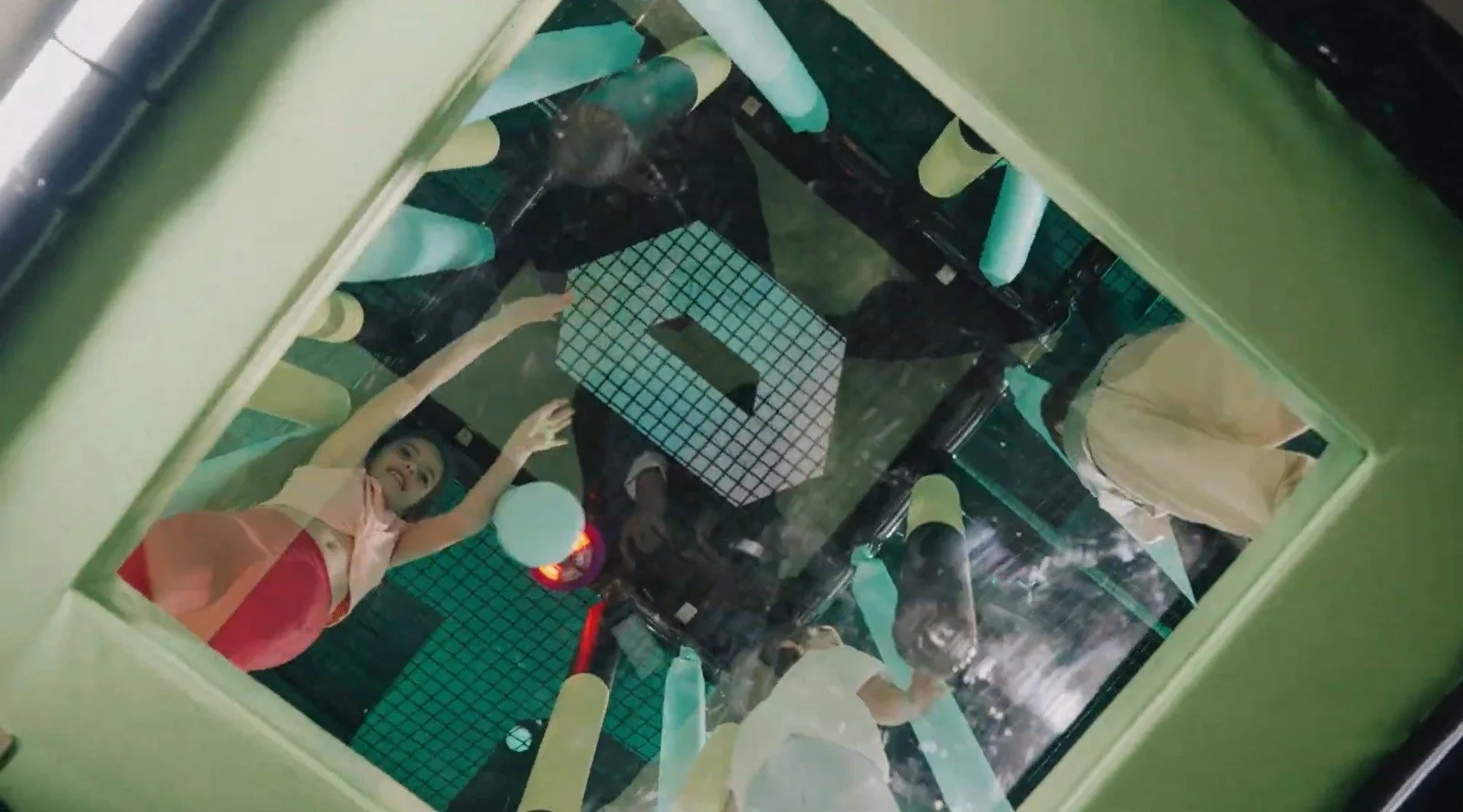
Our parties blends play, rides and optional lunch - we’ve got a tailored package just for you.
Whether it’s a birthday or a special celebration, we’ll craft an unforgettable experience for everyone.
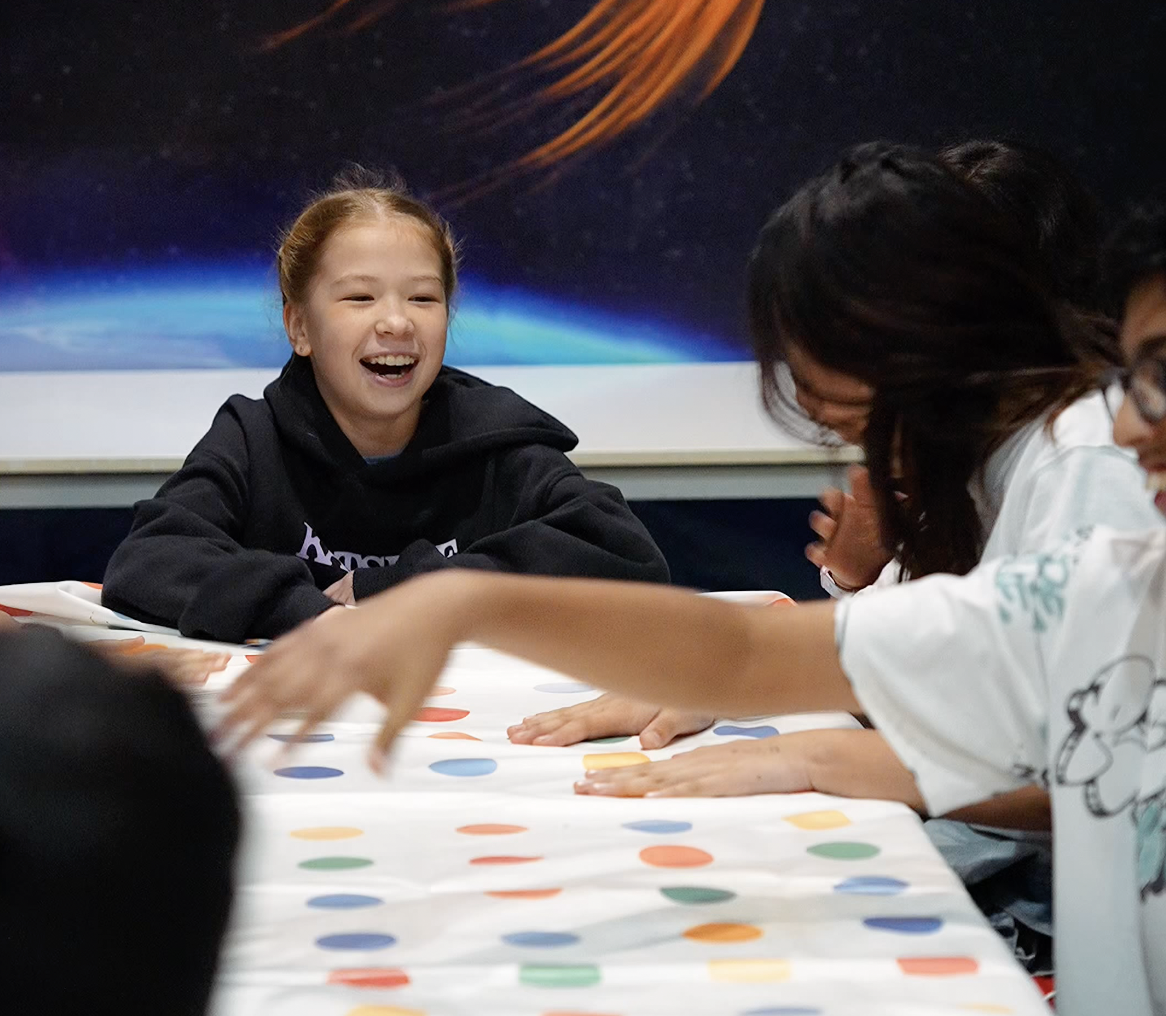
How It Works
Pick a Venue
Pick your preferred location. Each venue offers different packages and activities.
Choose a Package
Pick a package at your desired venue and secure your date. Click here to view options.
Party!
We'll get in touch after booking to finalise everything for your celebration.
Compare Party Packages
Choose the package that best sults your celebration.
| Features | Dream Explorer Party Package | Super DreamStar Party Package |
|---|---|---|
| Available Locations | All locations (Docklands, Knox, Southland) | Docklands |
| Dream Activities | 1 Activity (75 mins Dream Games / All Day Spartan*) | 2 Activities (75 mins Dream Games + All Day Spartan) |
| Movie Experience** | 1 Movie of your choice | 1 Movie of your choice |
| Party Room Hire (Docklands Only) | 3 Hours | 3 Hours |
| Gift Bags | ✓ Included | ✓ Included |
| Personalised Projected Message | ✓ Included | ✓ Included |
| Dedicated Party Host | ✓ Included | ✓ Included |
| Minimum Players | 8 | 8 |
| Optional Add-ons |
|
|
Meal Packs
Let us take care of catering for you!
Select meal packs below as add-ons to the birthday packages.
Lolly Bags
Looking to make your party even more SWEET?
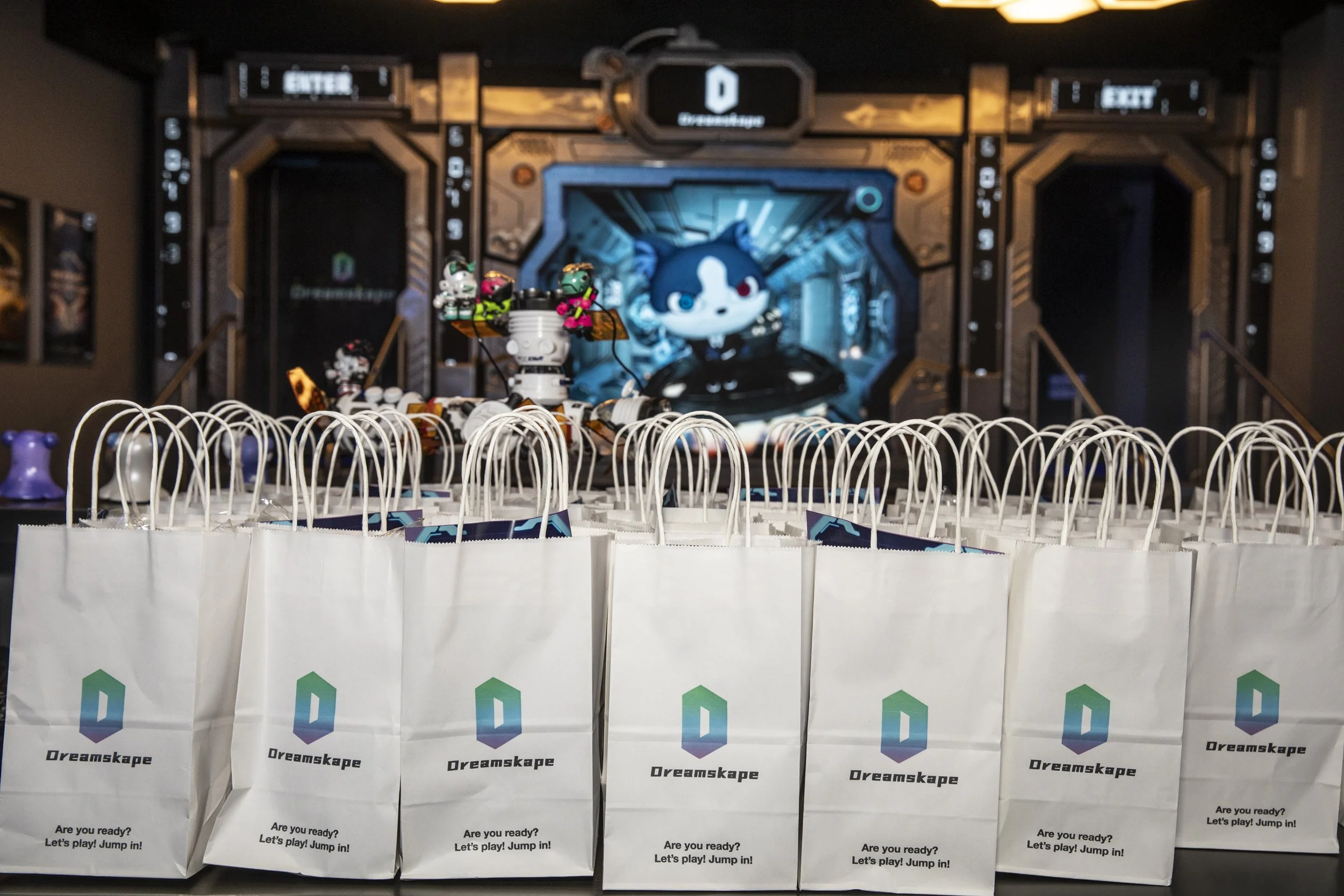
Add lolly bags to your complimentary gift bags!
Spread the Celebration!
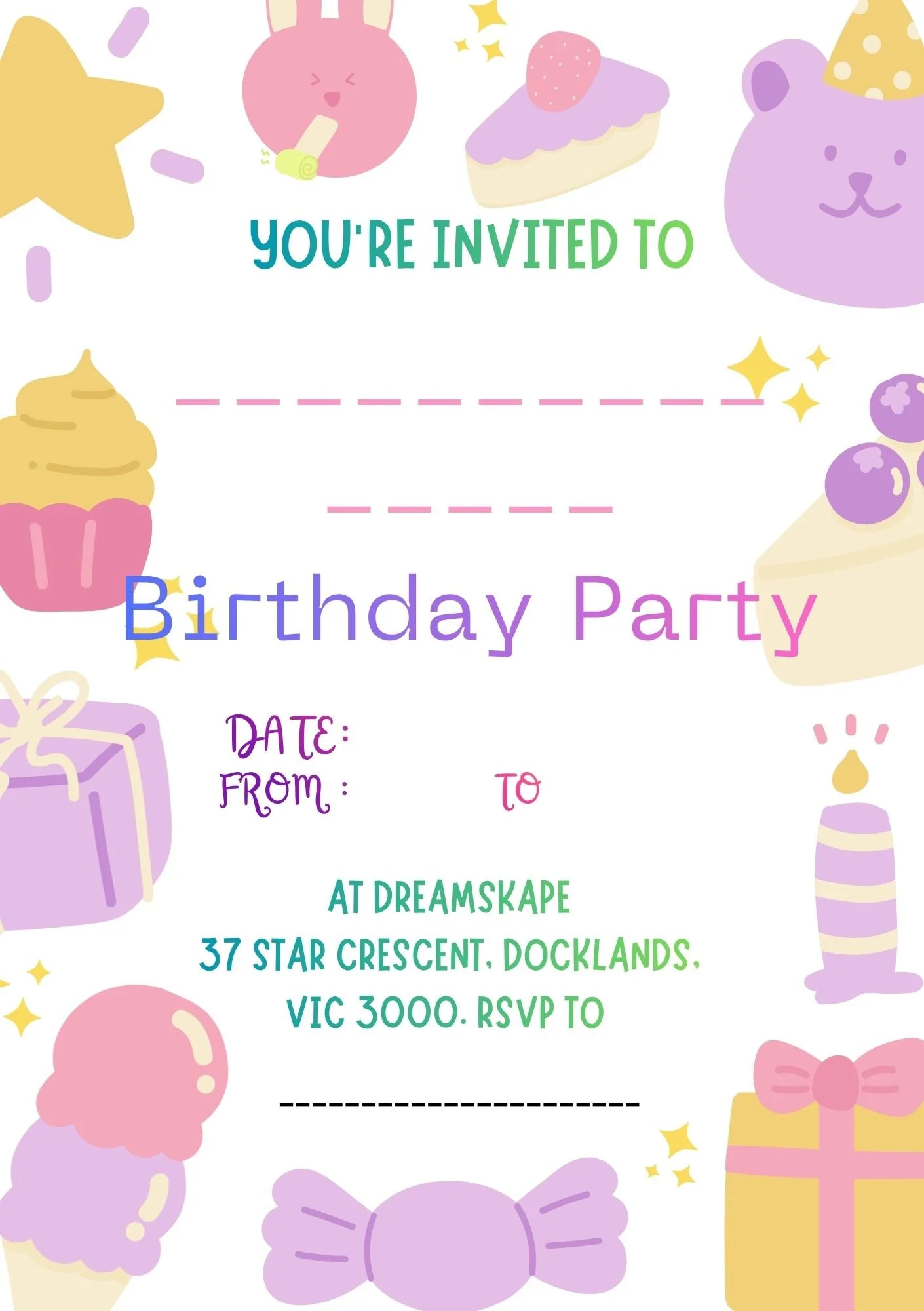
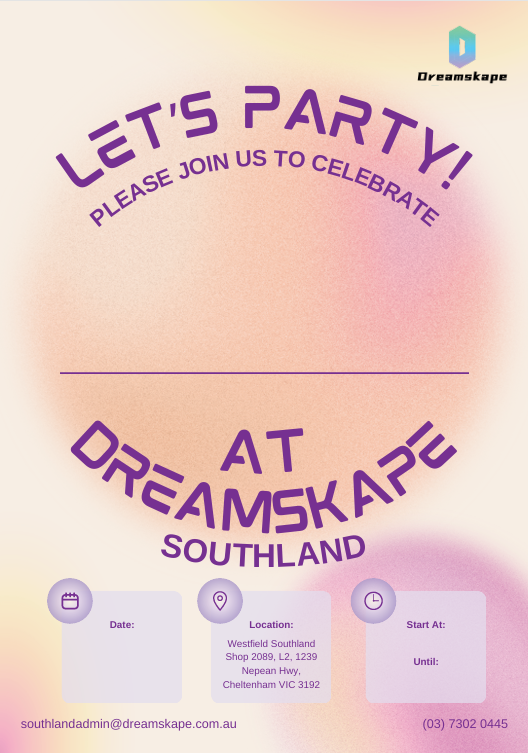
Make inviting friends easy and fun with our free Party Invitation Template! Download and share this invitation with your guests.
Get ready to gather your favorite people and enjoy a fantastic time together!
Template Guide
Choose your venue.
Click the Donwload button and you will be directed to Canva.
Once you are on Canva, on the top left of the screen, click File (for mobile users, click the three dots in the middle of the screen).
Select Make new copy from the drop down menu.
Now you can edit your own version of the invitation!
Once you’re done with editing, click File then click download to save a digital copy to your device, or print a hard copy and send them in the old fashion!

Have questions about parties?
You might find your answers here.
-
Yes, Dreamskape has various party packages available for you to choose from. To learn more, please select a location, and scroll to the part that has party packages. Otherwise, find the ‘Parties’ option on the drop down menu.
-
Our online booking portal will take up to 20 people. For bookings more than 20, please let us know via our email admin@dreamskape.com.au and we will help you make that booking!
-
When you arrive, let our staff know that you are here for a party! They will show you into the party where you will find the host of the party.
Guests that arrive late might miss some activities, so please arrive on time.
-
The hosts of the party are welcome to arrive from 30 minutes prior to the scheduled time to set up for the party. The rest of the party should head to the allocated space 5-10 minutes before your scheduled party start time.
-
We have a dedicated host who will be present throughout the duration of your party, with the exception of Dream Coaster.
If there are any children below 12 participating in the Dream Coaster, at least one adult who is 18 years or older should go with the kids. In this case, a ticket will be given to that accompanying adult.
-
Yes, tap water will be provided during the party. You’re also able to bring your own food, or oder from one of our meal packs available on each Dreamskape centre.
We only request that nothing is heated up on the spot (for example bringing your own portable stove, or chafing dish). Soups are also prohibited in all of our centes.
-
Guests will start with any rides available in the package, before starting the activties such as Dream Games or Dream Spartan.
Please let us know if you would like to make any changes to the party schedule via email at admin@dreamskape.com.au
-
Yes, and we have refrigirators to store your cakes while everyone is enjoying the activities.
-
Supervising friends/family can come, as long as they stay within the allocated party space.
Dreamskape has a restricted capacity for the safety and experience of our guests, which means there are not enough space for non-participants to linger and chat.
-
You can confirm your final guest numbers up to 7 days before your party.
On the day of the party, you may add up to 4 additional guests and pay the difference at the counter.
If you wish to add more than 4 guests, please inform us at least 7 days in advance so we can make the necessary arrangements, especially if meal packs are required.
-
Cancellations for party bookings are permitted under the following conditions:
More than 14 days before the party: A cash refund will be provided.
7-14 days prior to the party: A credit refund will be issued for future use.
6 days prior to the party or after the party date: No refund will be provided.
All cancellation requests must be submitted in advance and are subject to review. Dreamskape reserves the right to make the final decision on all refunds and credits, in accordance with applicable policies and consumer laws.